
Ozempic click chart: what the clicks mean
An Ozempic click chart is not a safe dosing tool. Use only the labeled pen doses and follow your prescriber for any dose changes.
Key facts
- Semaglutide + B12 is $157/month (billed $157 every 4 weeks), charged only after a clinician approves it.
- Answer a few health questions online. A licensed clinician reviews them. If approved, it ships to your door.
- Adults 18 or older. A licensed clinician reviews your health history and decides whether treatment is appropriate for you. Availability depends on the state you live in.


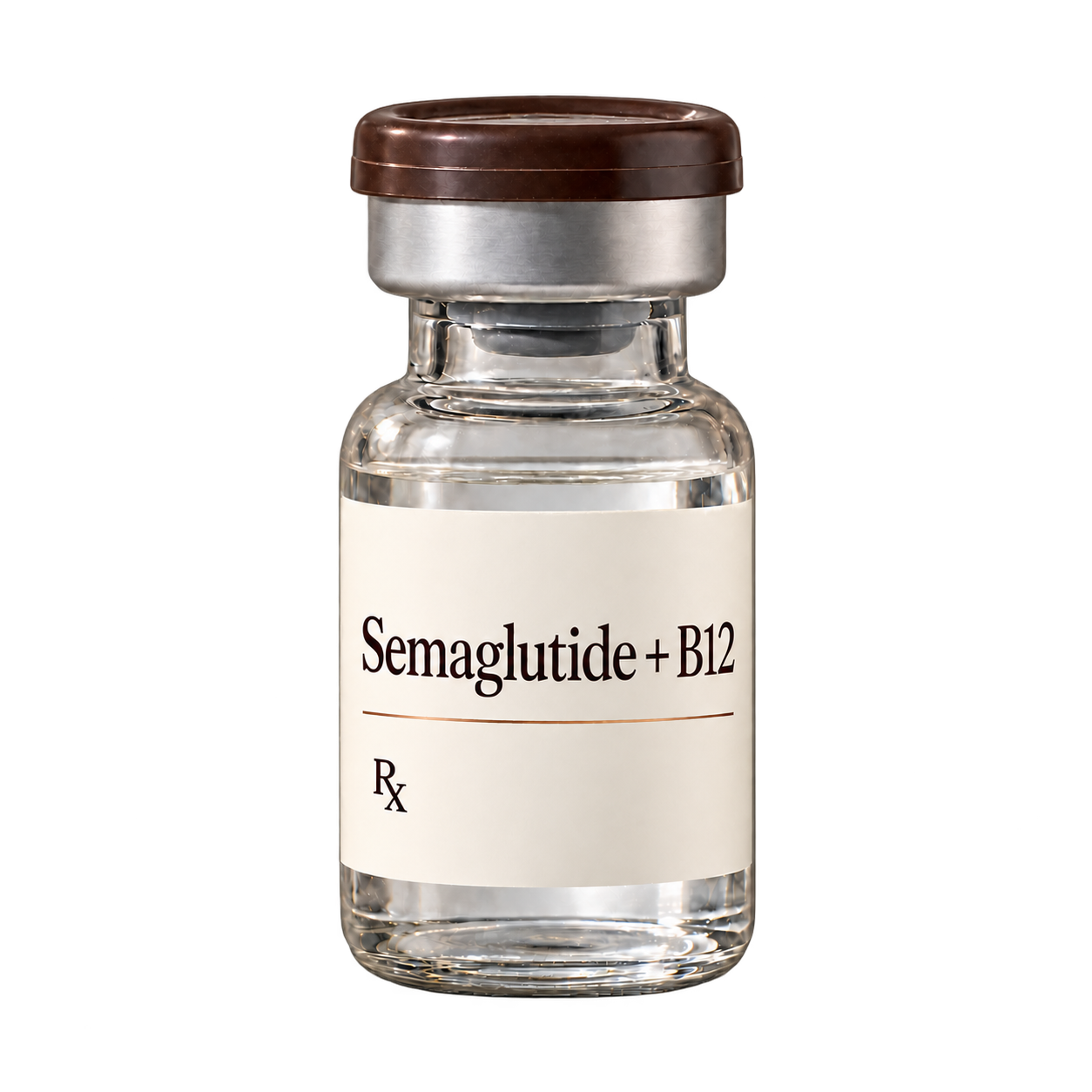
People look for an Ozempic click chart to double check a dose, restart after time off, or avoid side effects. The problem is that counting clicks is not how Ozempic is intended to be used, and it can increase the risk of dosing errors. This guide summarizes what Ozempic labeling says about pen dosing and why click charts are risky. If you are using compounded semaglutide through Vitals Vault, your prescribing clinician and dispensing pharmacy provide your dosing instructions.
- An ozempic click chart is not a labeled way to measure your dose.
- Ozempic pens are designed for labeled dose settings shown in the dose counter.
- If you missed a dose or are restarting, ask your prescriber for a plan.
- Compounded semaglutide instructions come from your clinician and pharmacy, not Ozempic charts.
Ozempic click chart: the safe answer
Clicks are not a dose unit
Ozempic dosing is based on labeled dose settings shown in the pen’s dose counter. A click chart tries to convert pen clicks into a dose, but that is not a labeled method and can be inaccurate.
Pens are presentation specific
Ozempic is supplied in different pen presentations intended for specific dose strengths. A click based approach can confuse pen types and increase the chance of taking the wrong amount.
Restarting is individualized
If you missed doses, had significant side effects, or are restarting after time off, the safest next step is to ask your prescriber what to do. Do not try to self-adjust using an ozempic click chart.
Ozempic dosing chart: what the label actually supports
| Question | What the label supports | What to do instead of click charts |
|---|---|---|
| How do I confirm my dose? | Use the dose selector and confirm the dose in the dose counter (not clicks). | If the dose counter does not show your prescribed dose, do not guess. Ask your pharmacist or prescriber. |
| Can I use clicks to take a partial dose? | The labeling describes selecting labeled doses using the pen’s dose counter. | Do not attempt to measure partial doses by clicks. Ask your clinician about options. |
| Are all Ozempic pens the same? | Ozempic is supplied in different pen presentations intended for specific dose strengths. | Confirm your exact pen and prescribed dose with your pharmacy label and prescriber. |
| Is compounded semaglutide the same as Ozempic? | Ozempic is a brand product with FDA approved labeling. Compounded semaglutide is prepared by a pharmacy for an individual prescription and is not FDA-approved. | Follow the instructions from your prescribing clinician and dispensing pharmacy for compounded medication. |
Why click charts spread
Click charts circulate online as a shortcut for dose confirmation or dose changes. The risk is that they can encourage self-adjusting, which can worsen side effects and does not follow labeled use.
Missed dose questions
Ozempic labeling includes guidance for missed doses and timing. If you are outside the labeled window, or you are not sure what applies to you, contact your prescriber rather than trying to make up a dose.
Injection questions are label-only
Ozempic injection sites and basic administration information are described in the FDA label and the Instructions for Use. Your clinician or pharmacist should show you how to use the pen, and the Instructions for Use cover the steps.
When to contact your clinician
You cannot confirm your dose
If you cannot confirm your dose in the dose counter or you think you selected the wrong dose, contact your prescriber or pharmacist. Avoid using an ozempic click chart to estimate what you received.
Severe stomach symptoms
Nausea, vomiting, diarrhea, and abdominal pain can occur with semaglutide. If symptoms are severe, persistent, or you cannot keep fluids down, contact your clinician promptly for next steps.
Possible pancreatitis symptoms
Seek urgent medical evaluation for severe abdominal pain that may radiate to the back, with or without vomiting. Pancreatitis is a labeled warning for semaglutide products.
Possible gallbladder symptoms
Contact a clinician for right upper abdominal pain, fever, yellowing of skin or eyes, or clay-colored stools. Acute gallbladder disease is a labeled warning with GLP-1 receptor agonists including semaglutide.
Signs of allergic reaction
Get emergency care for swelling of the face, lips, tongue, or throat; trouble breathing; or severe rash. Serious hypersensitivity reactions are described in labeling.
Practical tips to avoid mistakes
Use the dose counter
Rely on the pen’s dose counter, not the sound of clicks.
Match pen to prescription
Confirm the pen presentation and strength on your pharmacy label.
Do not self-adjust
Dose changes should be made by your prescribing clinician.
Keep a dose log
Write down date, dose setting, and symptoms to discuss at check-ins.
Bring the pen to questions
A pharmacist can help you verify what you are seeing on the device.
Frequently Asked Questions
Is an ozempic click chart accurate?
Click charts are not part of Ozempic labeling and are not a reliable way to measure a dose. The pen is intended to deliver labeled doses shown in the dose counter. If you are unsure, ask your prescriber or pharmacist.
Where can I find an Ozempic doses chart?
The most reliable Ozempic doses chart is the FDA prescribing information and the patient Instructions for Use. These describe the labeled pen doses and how the dose counter works. Online click conversion charts are not label-based.
What is the safest Ozempic dose chart to follow if I missed a dose?
Ozempic labeling includes guidance for missed doses and timing. If you are not sure which situation applies to you, contact your prescribing clinician rather than trying to estimate a catch-up dose.
Can I use an Ozempic dosing chart to split doses or take partial doses?
Ozempic pens are designed to select labeled doses using the dose counter. Using clicks to estimate partial doses is not a labeled method and can lead to dosing errors. Discuss dose changes or alternatives with your clinician.
Is compounded semaglutide the same as Ozempic?
No. Ozempic is a brand product with FDA approved labeling, while compounded semaglutide is prepared by a licensed pharmacy for an individual prescription and is not FDA-approved. If you use compounded medication through Vitals Vault, follow your clinician and pharmacy instructions.